Milestones
Mark moments in a build's history, like "Roof done" or "Day 3", and see them as titles during the timelapse.
Milestones are named moments in a build’s history, like “Foundations”, “Roof done” or “Day 3”. They show as small marks on the timeline, and their name appears in the middle of the screen as the timelapse reaches them.
Add one while you build
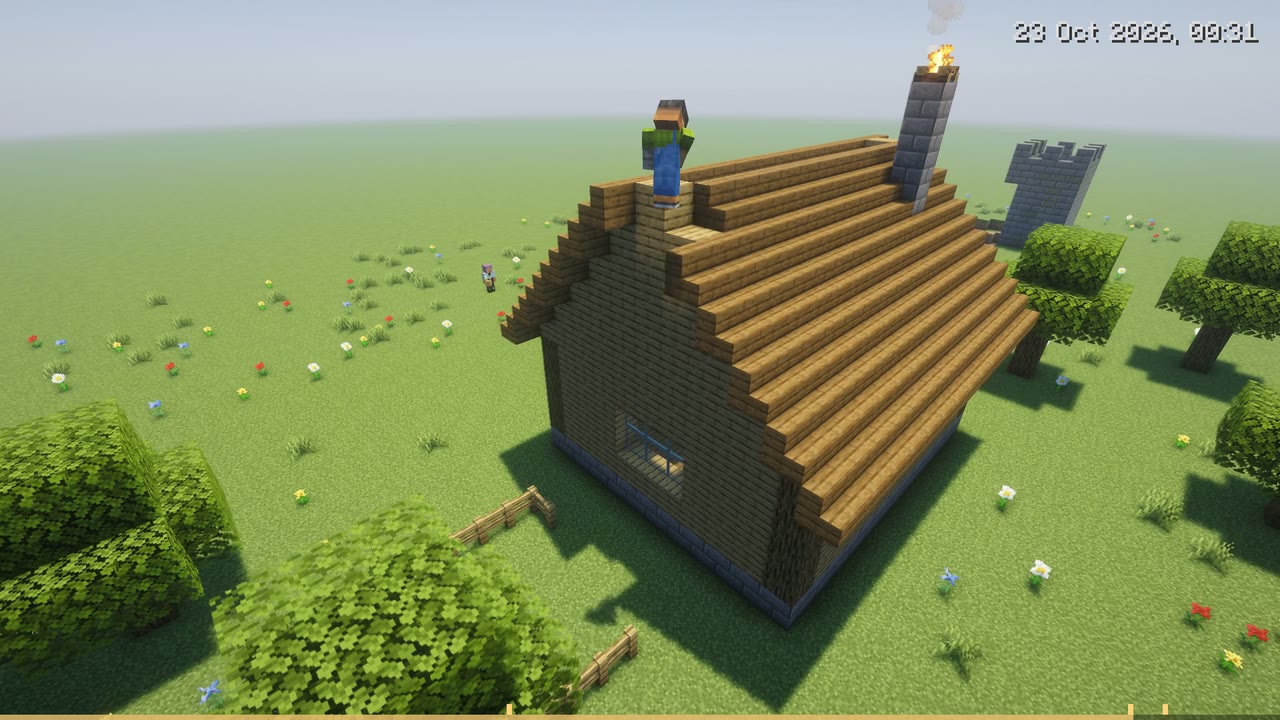
Stand at the build and type:
/hindsight milestone add Roof doneThat marks this place and this moment. Any timelapse of an area within 32 blocks of where you stood will show it.
Add one during a timelapse
Pause (or drag the timeline) at the moment you want, press + Milestone, type a name and press Save. It’s saved at that point in the build’s history, not at the time you watched it. Only the person who started the timelapse can add milestones from it.
See and remove them
/hindsight milestone listlists the milestones within 64 blocks of you, with when they were added and by whom./hindsight milestone remove Roof doneremoves the milestones with that name near you.
Names can be up to 48 characters. Milestones are kept with the world’s history, in hindsight/milestones.json in the world folder.