A game by Hardline Interactive
A cosy little knitter lives along the bottom of your screen. Every key you press is a stitch, and its scarf grows across your desktop while you work.
- Developer
- Hardline Interactive
- Release
- Coming soon
- Price
- £2.49
- Platforms
- Windows
About the game
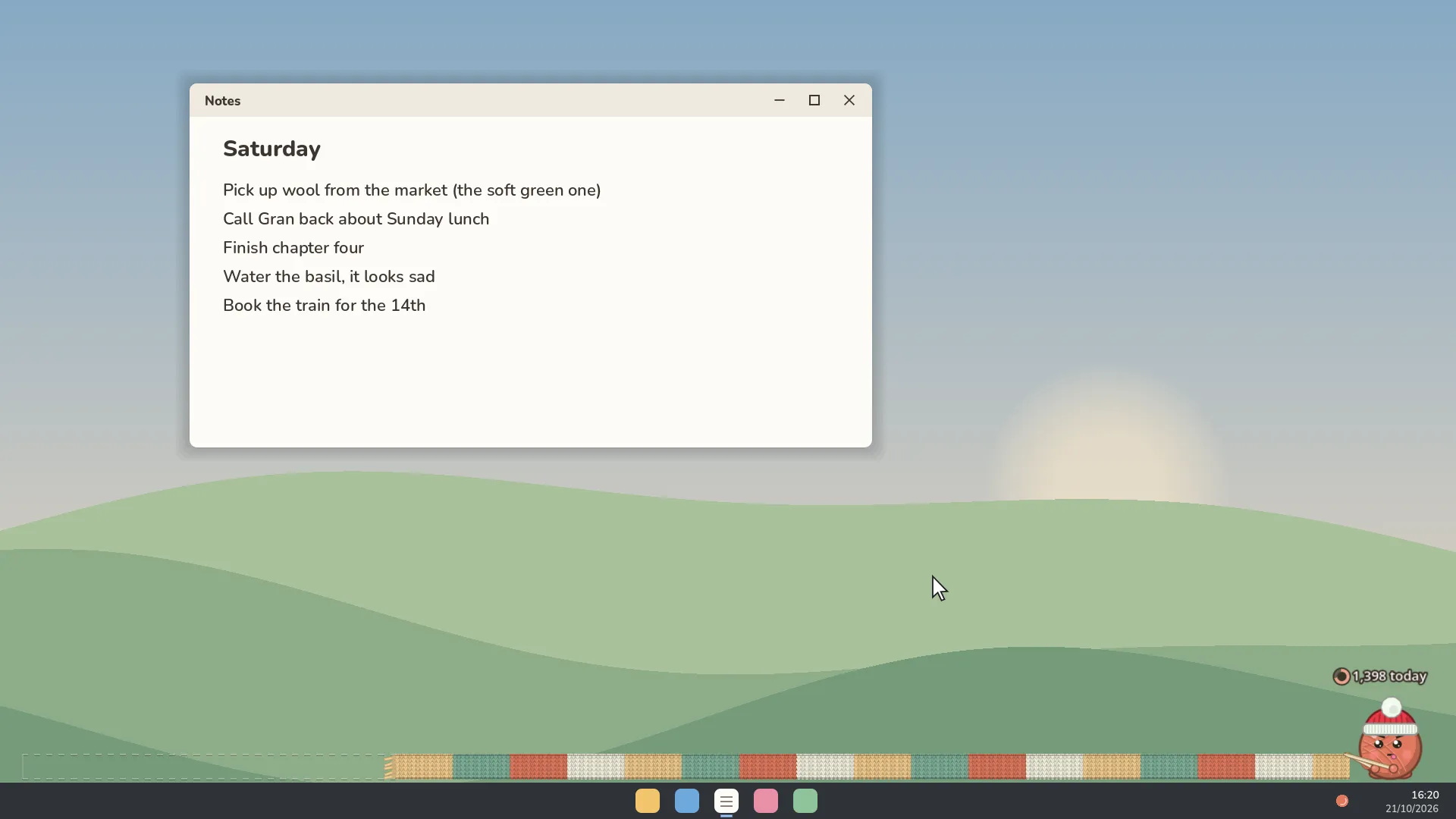
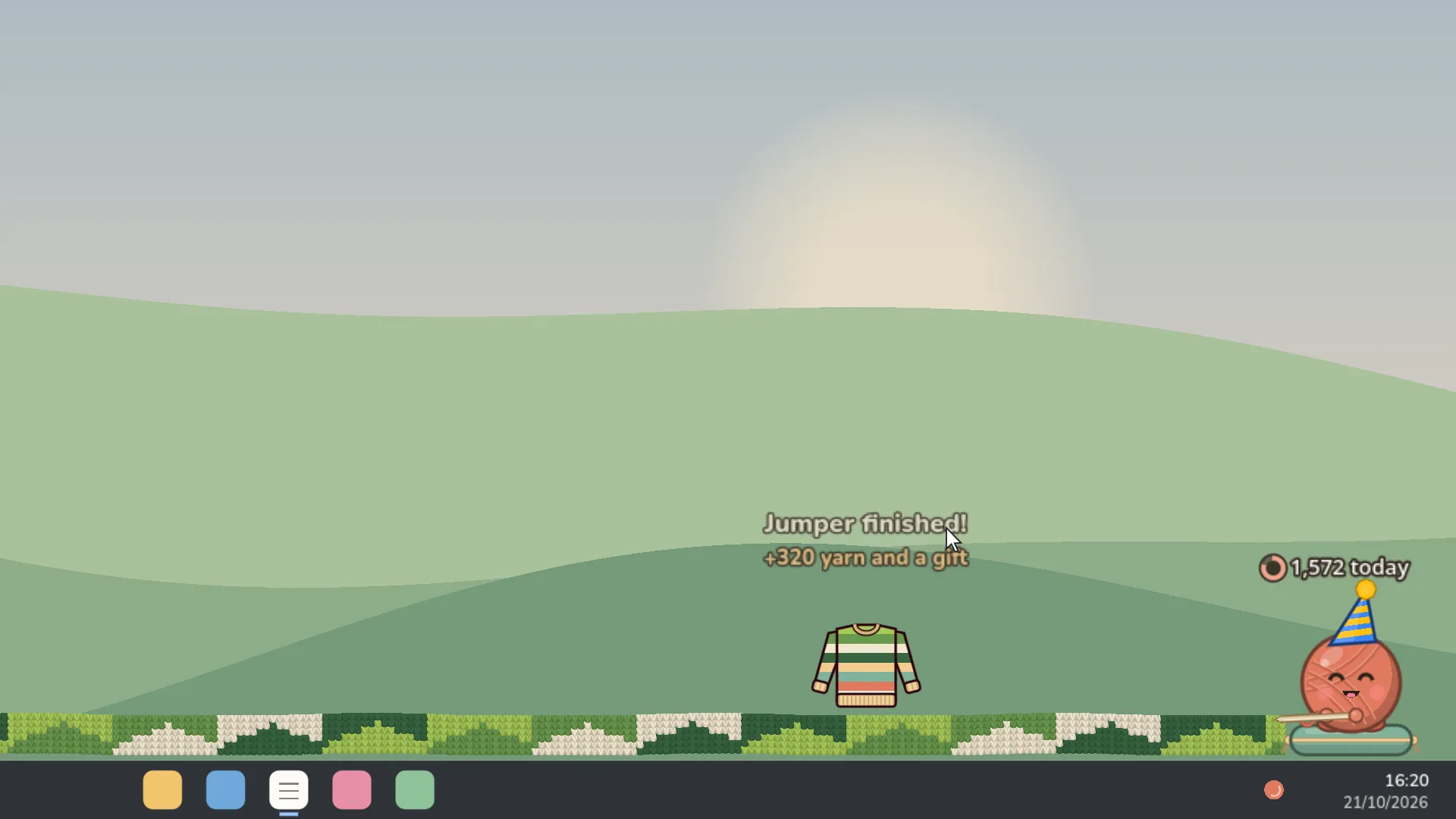
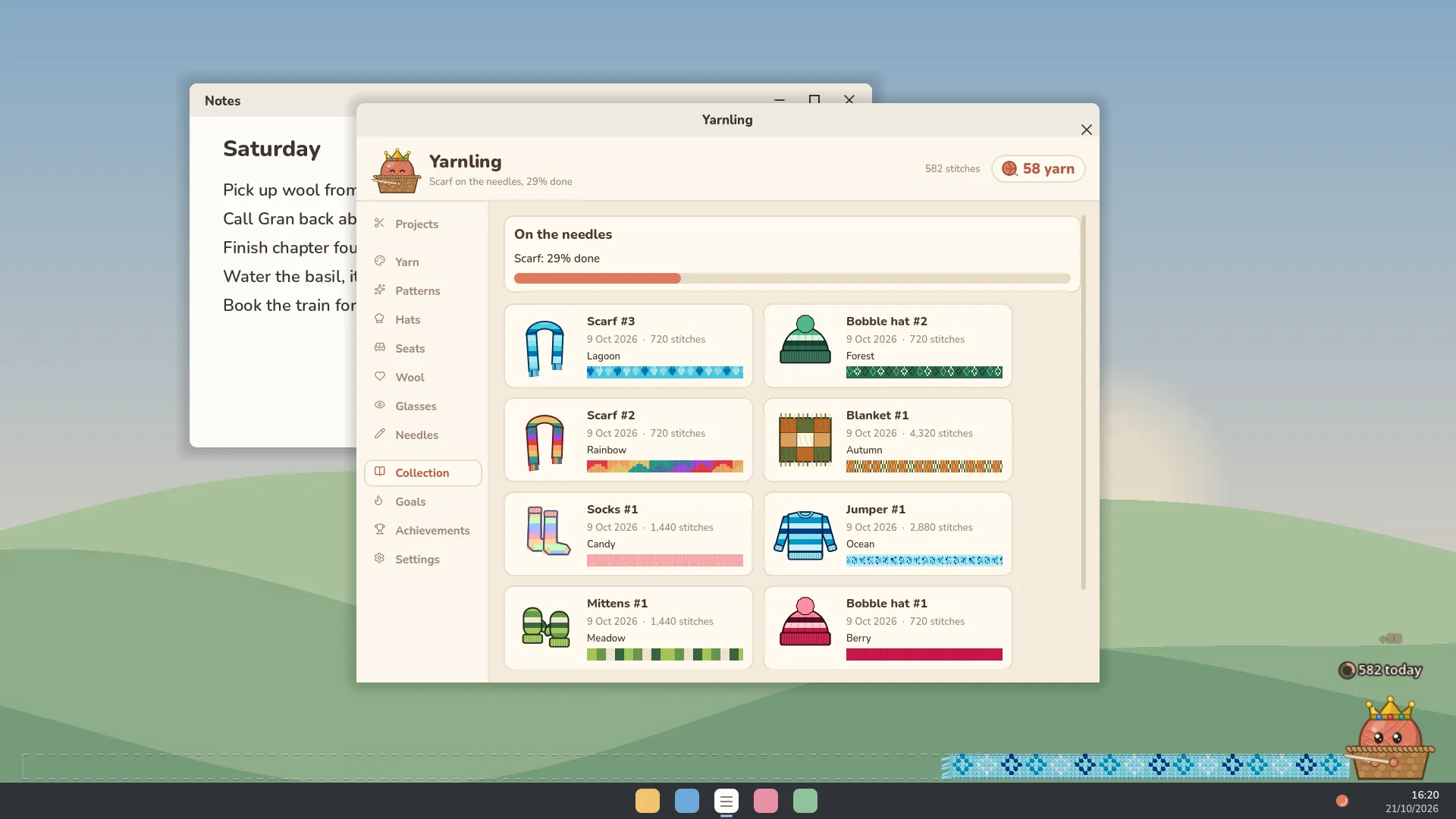
Meet your Yarnling: a little ball of wool who sits at the bottom of your screen and knits while you work, study or play. It doesn’t need looking after. Just carry on with your day, and every key you press and every click you make becomes a stitch. Before long, a scarf is running right across your screen.
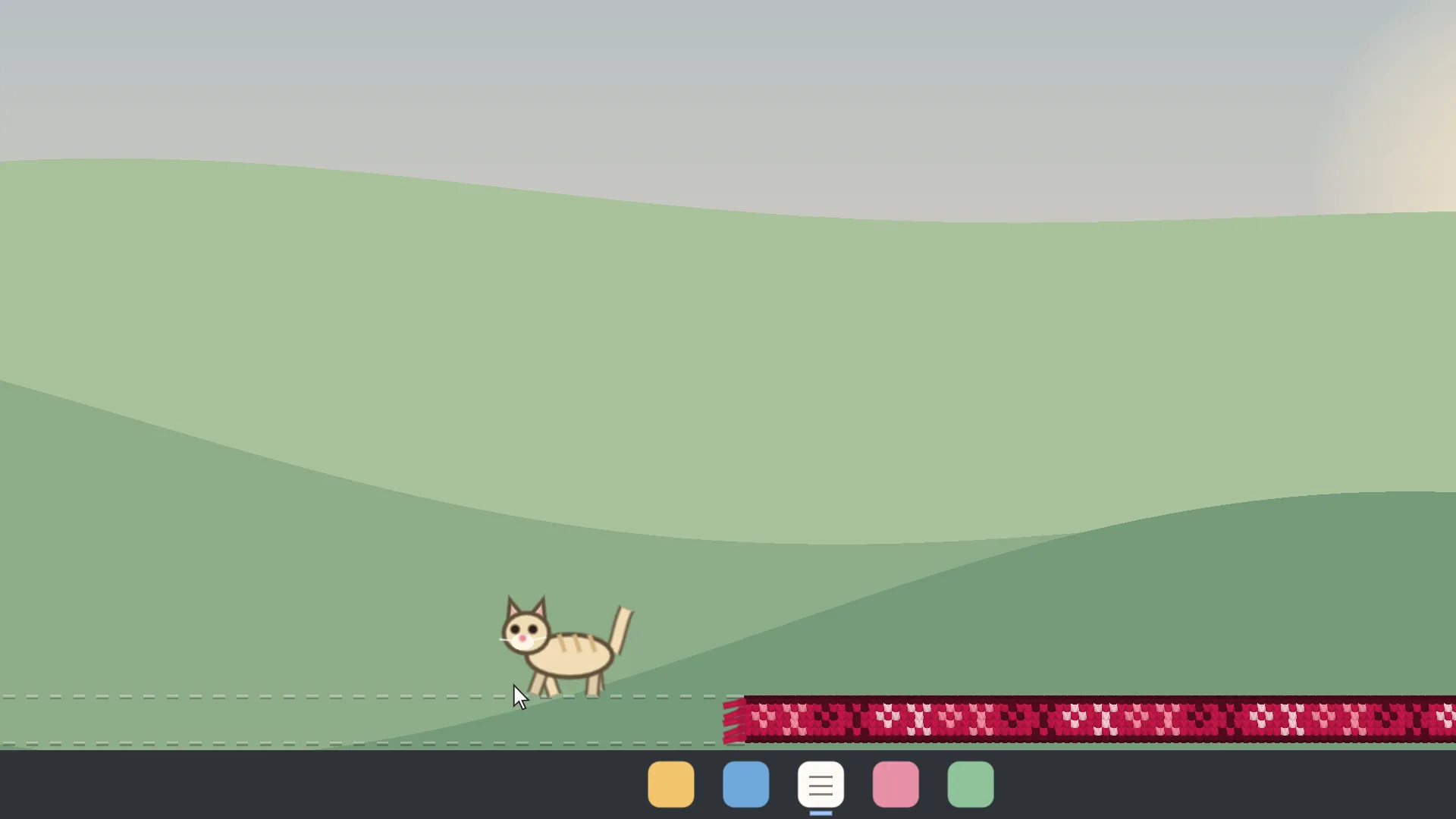
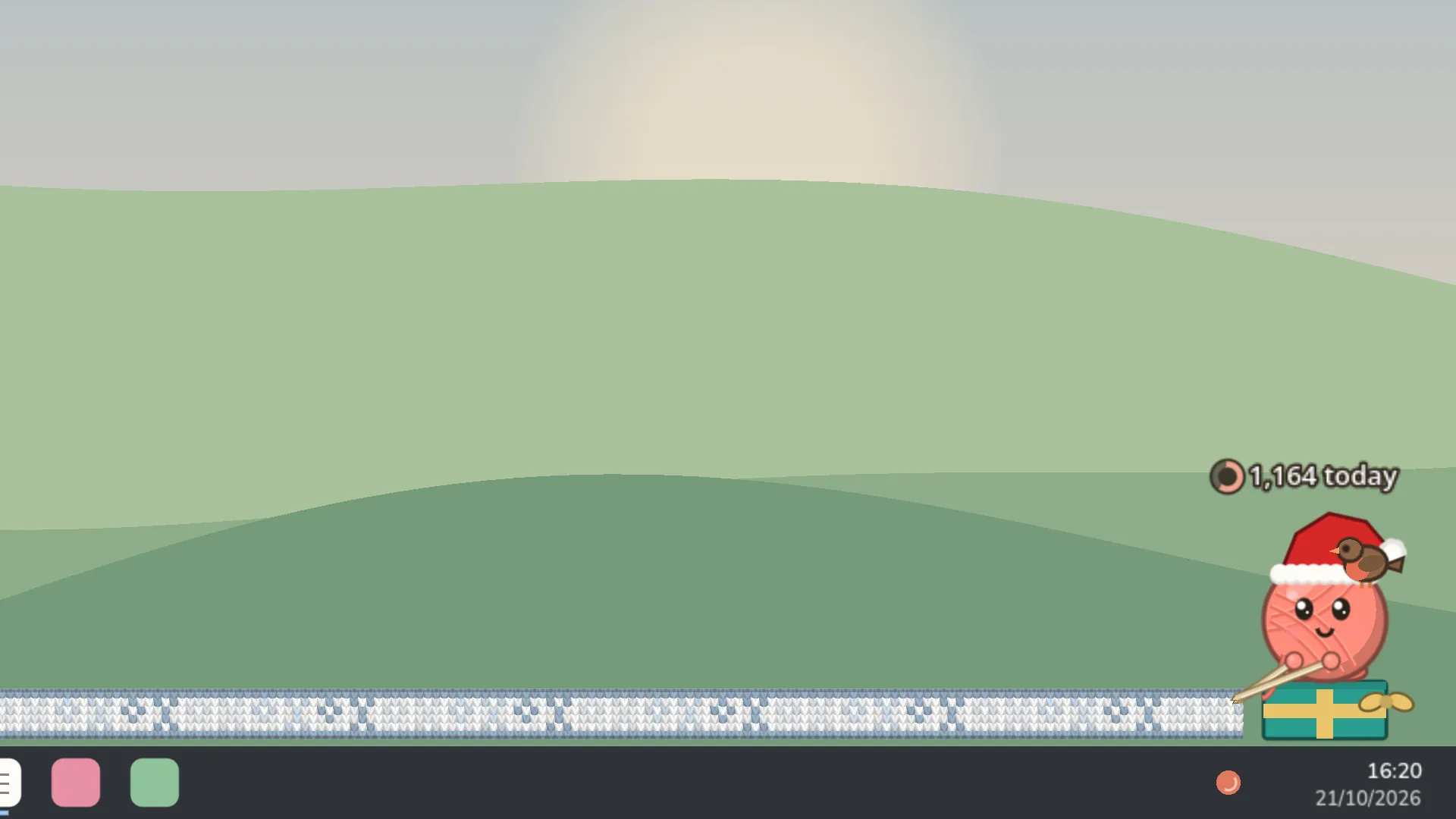
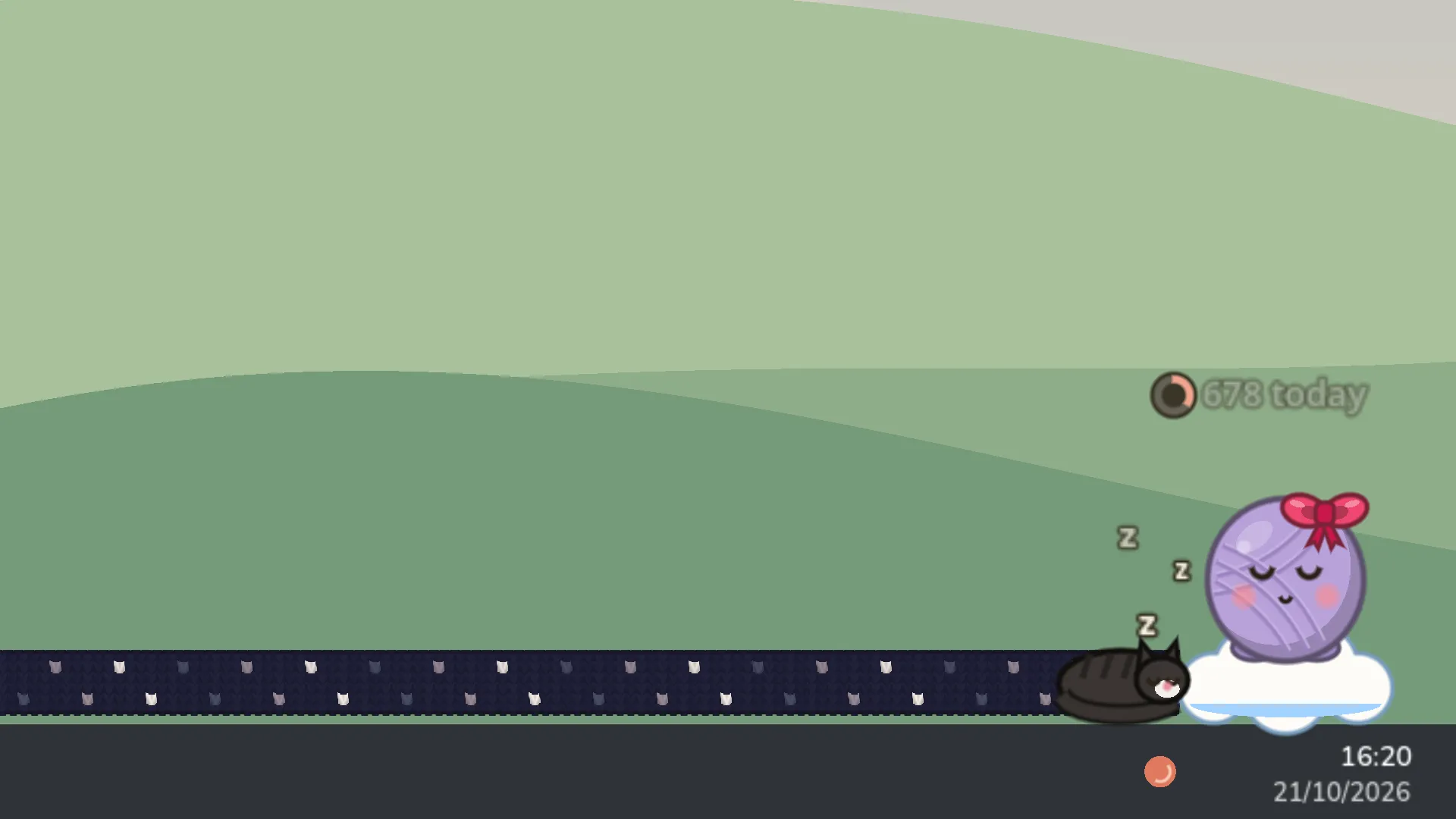
Type fast and it gets flustered. Stop for a while and it nods off. Rub your cursor over it and it beams. Now and then a cat wanders in to play with the tassels and pounce at your pointer, a robin lands on its hat, or a mouse sneaks past.
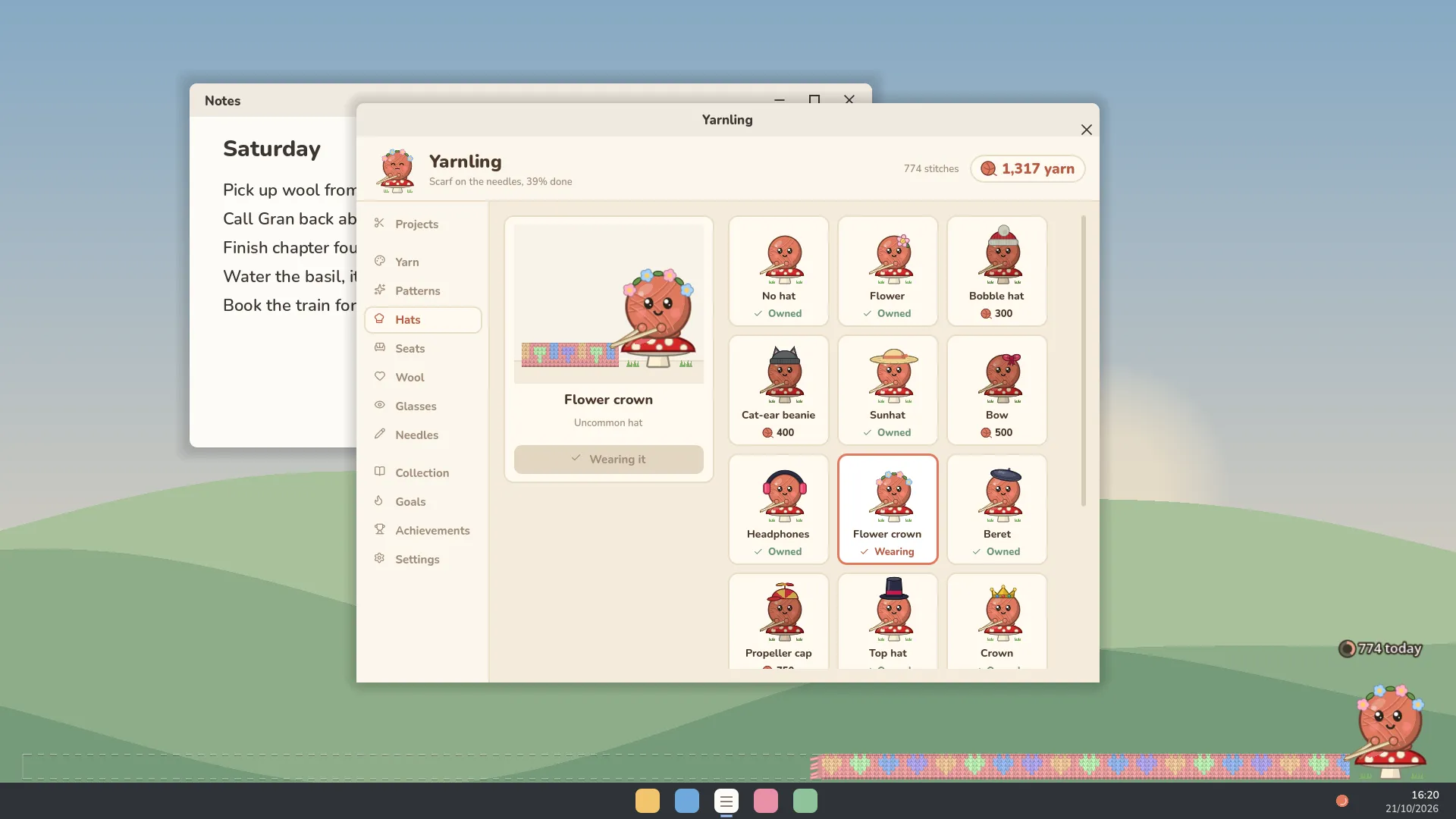
Finished pieces pay out yarn, and yarn buys things: new yarns and knitted patterns, hats, glasses, needles and something to sit on. Then move on from scarves to bobble hats, socks, mittens, jumpers and blankets.
Features
- A knitter that lives on your desktop, always on top and out of your way. Clicks pass straight through the strip to whatever's underneath.
- Every key press and click knits a stitch, and the scarf grows across your screen.
- Six projects to knit, from scarves to blankets, all kept in your Collection.
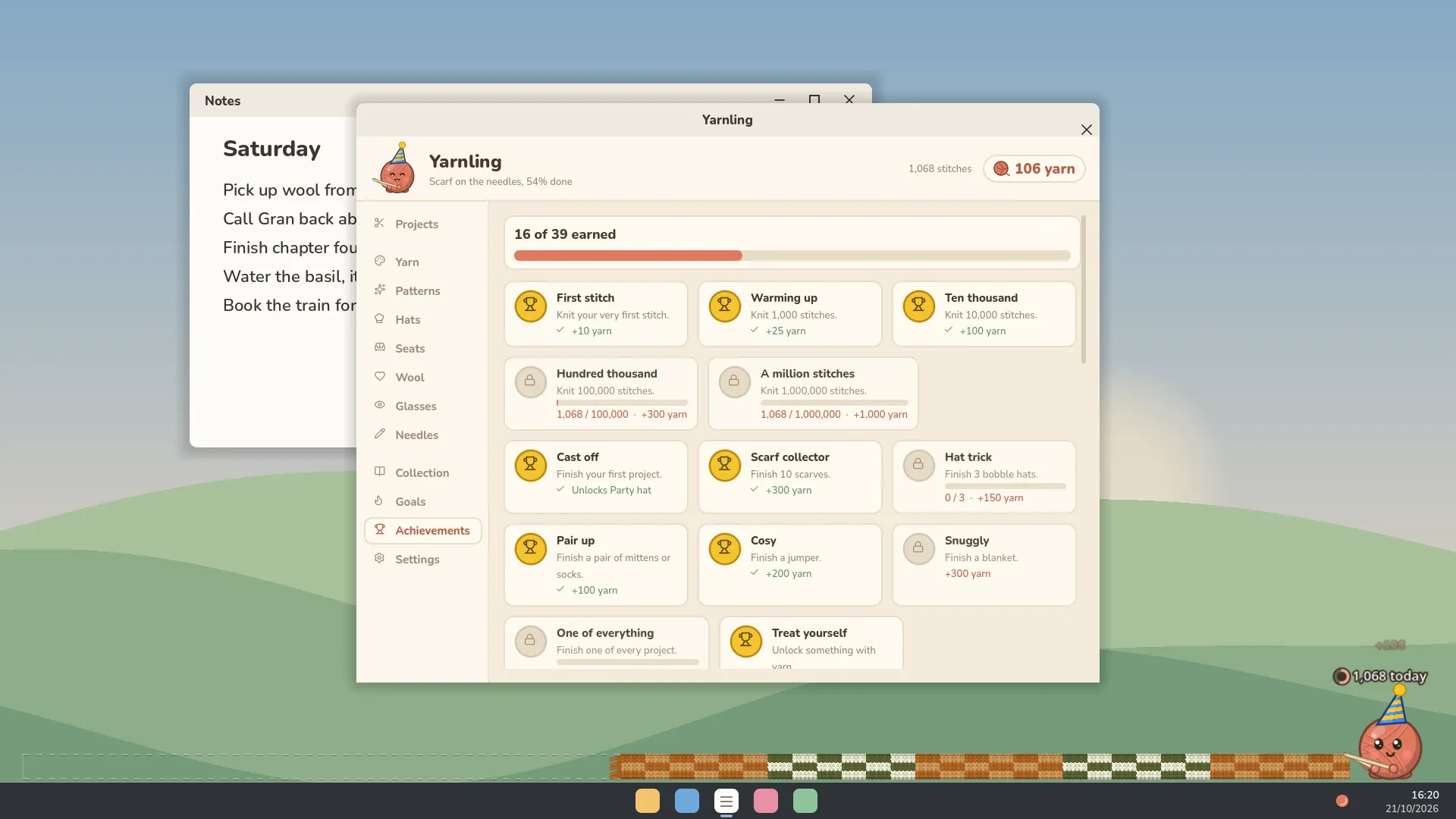
- Over 80 things to unlock, from yarns and knitted patterns to hats, seats, glasses and needles, with Halloween and Christmas sets in season.
- Moods. It's calm, focused, frantic when you type fast and sleepy when you take a break.
- Visitors, including a cat that plays with the scarf and chases your pointer, birds and a mouse.
- Daily goals, streaks and 38 achievements.
- Gentle optional sounds. Needle clicks are off unless you want them.
- Small and light on your computer, and it can start with Windows.
Screenshots
Fan kit
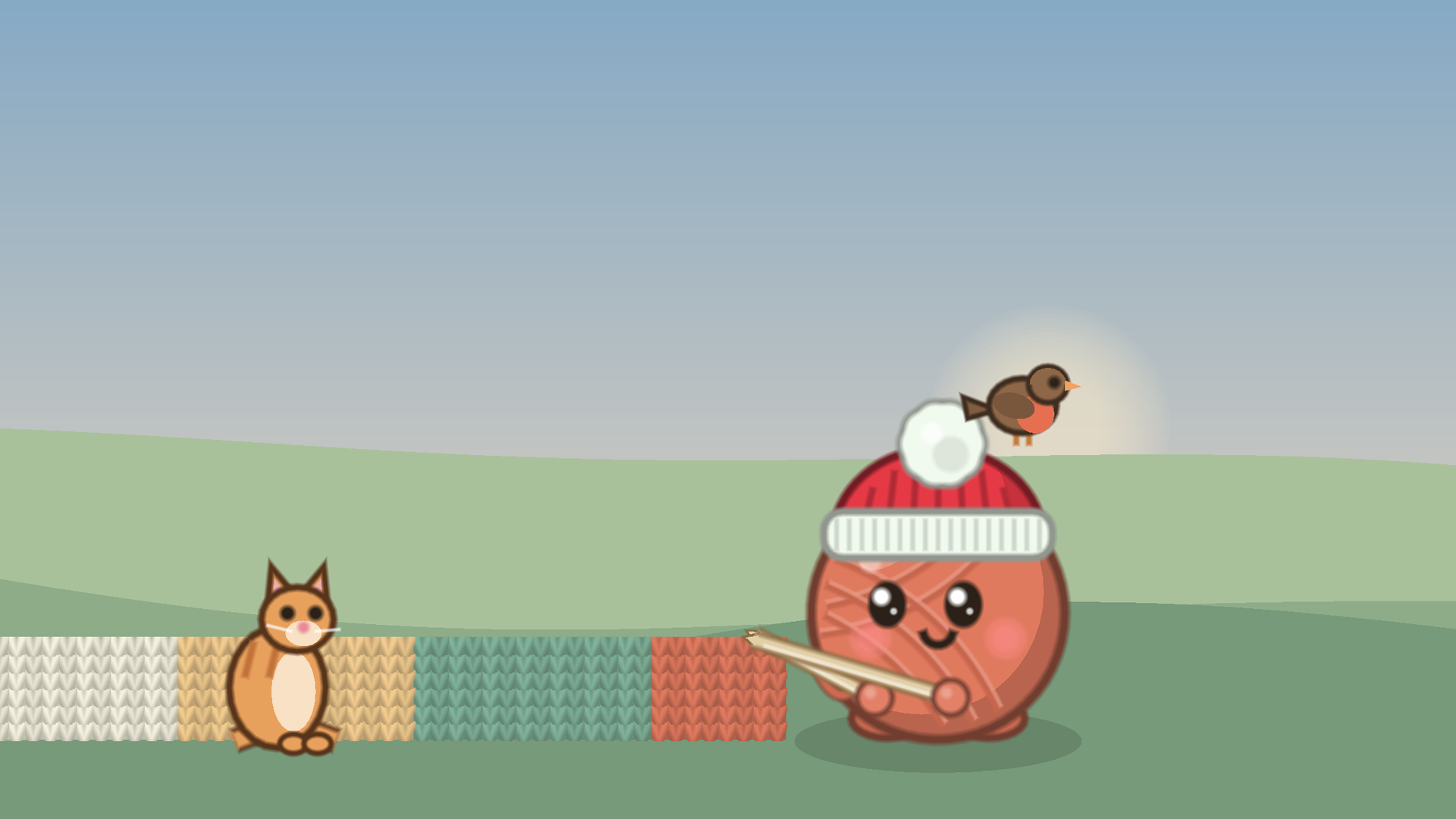
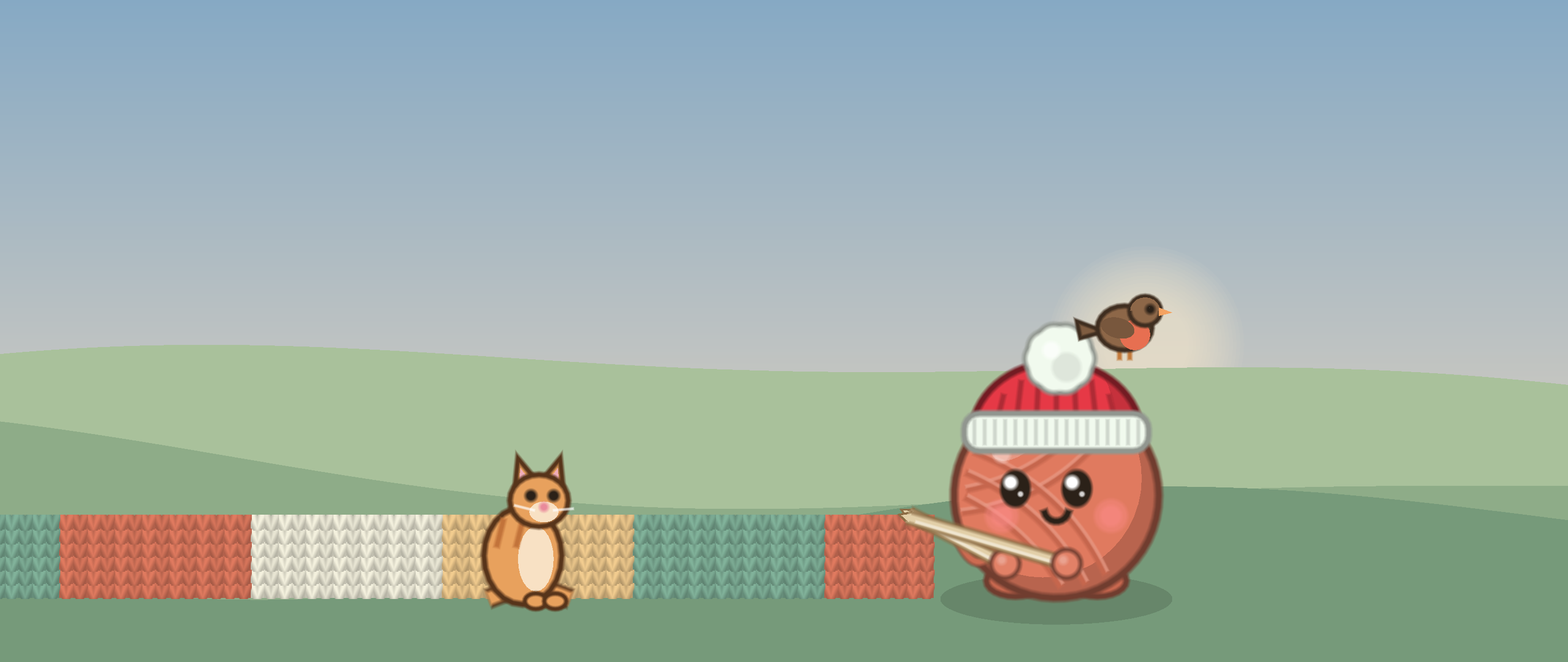
Wallpapers and profile pictures, free for anyone who likes Yarnling.




Your privacy
Yarnling counts key presses. It never records which keys you press or anything you type, and nothing is sent anywhere. Steam achievements and stats go to Steam as usual.
System requirements
- OS
- Windows 10 or 11
- Processor
- Any from the last ten years
- Memory
- 2 GB RAM
- Graphics
- Any graphics card with OpenGL 3.3
- Storage
- 200 MB available space
Accessibility
- Three sizes: Small, Medium and Large, on top of your screen's own display scaling.
- Sits in the bottom right or bottom left corner of whichever screen you choose.
- Sound can be turned off, with a volume slider. Needle clicks on every key press are off unless you turn them on.
- The fluff, sparkles and little "+1"s can be turned off, for less movement on screen.
- The visiting cat, bird and mouse can be turned off.
- Can hide itself whenever a fullscreen game or video is open.
- No timers, no fail state and nothing to react to quickly.
- Darker wools give the Yarnling a light face, so its expression stays easy to see.
Not in yet
- A colour-blind or high-contrast mode
- A text size setting separate from the overall size
- A way to turn off the Yarnling's own moods and animations
- Languages other than English
Need one of these, or something else? Let me know.
Questions
Does Yarnling record what I type?
No. It counts key presses and clicks, and that's all. It never records which keys you press or anything you type, and nothing is sent anywhere. It reads presses through Windows' Raw Input rather than a keyboard hook. Once it's on Steam, achievements and stats go to Steam as usual.
Will it slow my computer down?
It's built to stay out of the way. It runs at no more than 30 frames a second, only redraws when something changes, and doesn't redraw the finished part of the scarf, however long it gets. It needs any processor from the last ten years, 2 GB of RAM and 200 MB of space.
Can I still click things behind it?
Yes. Clicks pass straight through the strip to whatever's underneath, except on the Yarnling itself, parcels and visitors. It also stays out of your taskbar and Alt+Tab.
Does it show over games?
Over games in borderless or windowed mode, yes. Windows doesn't let anything draw over a game in exclusive fullscreen, so it can't show there. There's a setting to hide it whenever a fullscreen game or video is open.
Which screen does it sit on?
The main one, unless you pick another in Settings. It sits along the bottom, in the right or left corner, and follows along if you change resolution, move the taskbar or unplug a monitor.
Is it on Mac, Linux or Steam Deck?
No, it's Windows 10 and 11 only. Linux and Steam Deck can't be supported for now, because Wayland doesn't let an app count key presses made in other windows.
How do I quit it?
Choose Quit Yarnling in Settings, or right-click its icon by the clock.
Can it start with Windows?
Yes. Turn on "Start Yarnling with Windows" in Settings.
Where is my progress saved?
On your computer, in %APPDATA%\Yarnling. It saves every 15 seconds.
How much is it, and when is it out?
£2.49 on Steam. The release date isn't announced yet.
What languages is it in?
English.